
✦ Powered by OpenAI Whisper

Audio to Text
in seconds.

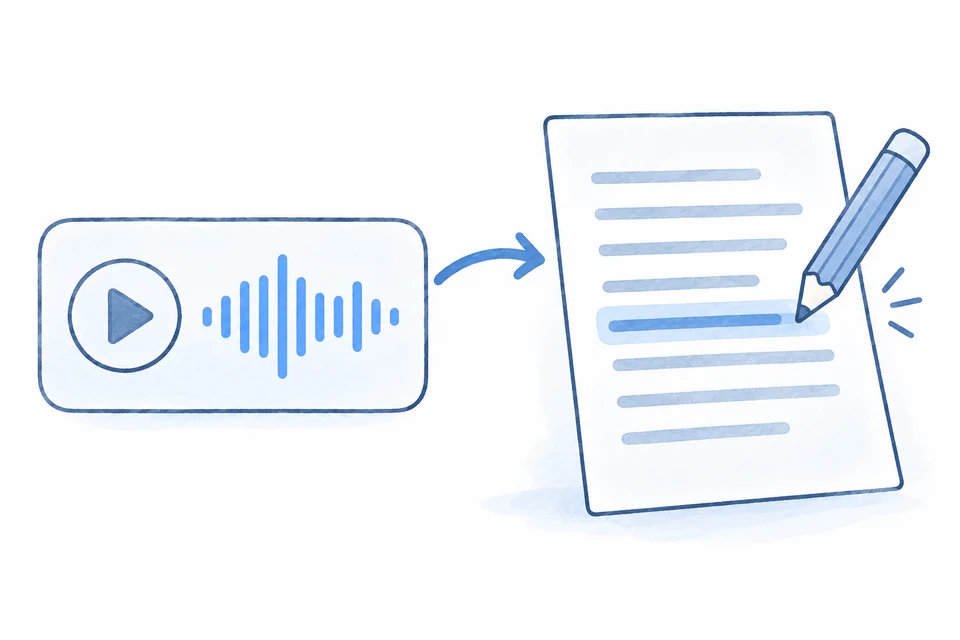
Chrome extension for meetings, interviews and lectures. Upload audio files, record mic or browser tab — get accurate text instantly.

1.2k+People use it every week
5.0Rating on Chrome Store
99%Transcription accuracy
90+Languages supported
14+Audio & video formats
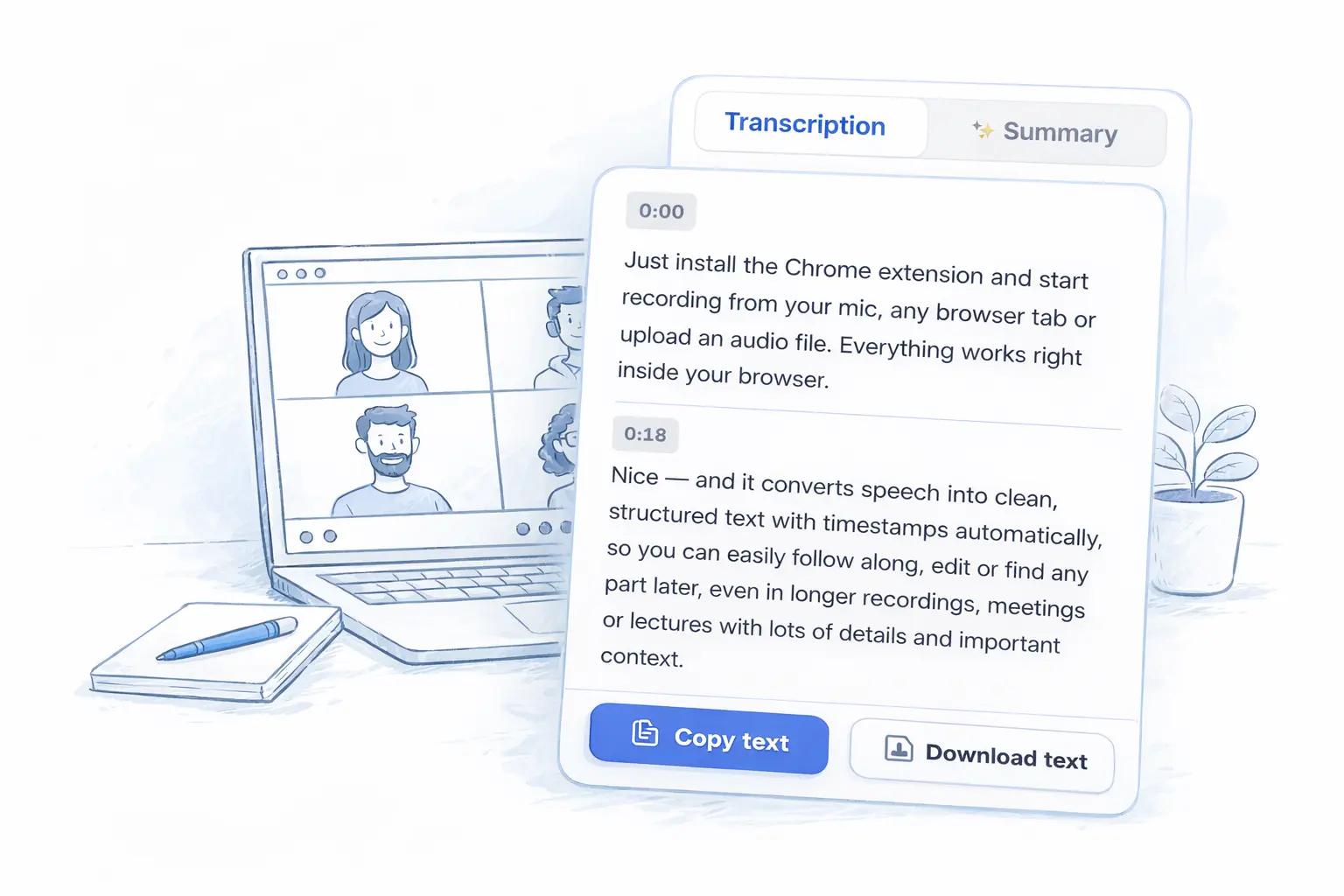
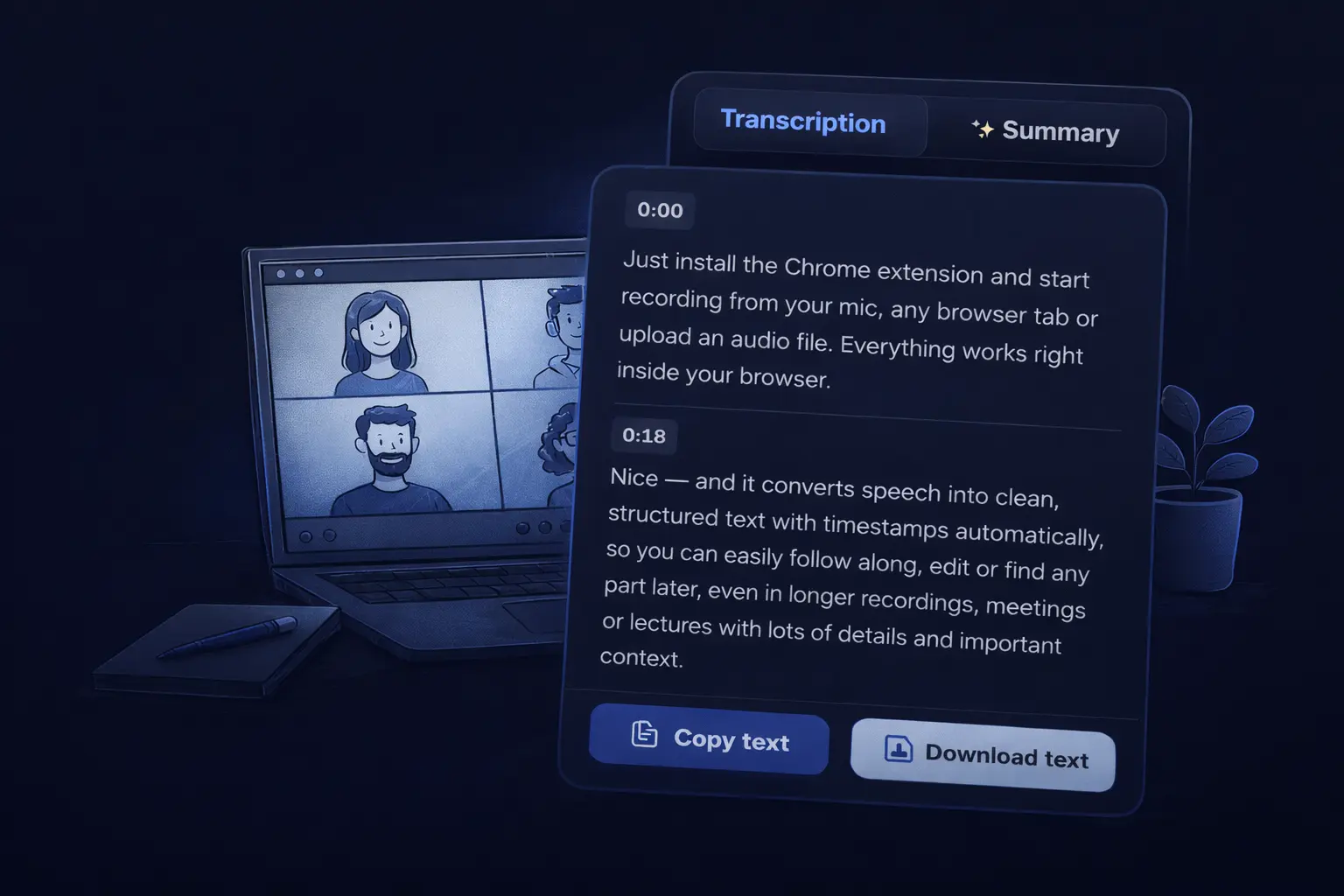
Extension popup with transcriptionExtension popup with transcription

Everything you need to transcribe

Powerful features that make audio-to-text conversion fast and effortless

Upload Files or Record Live

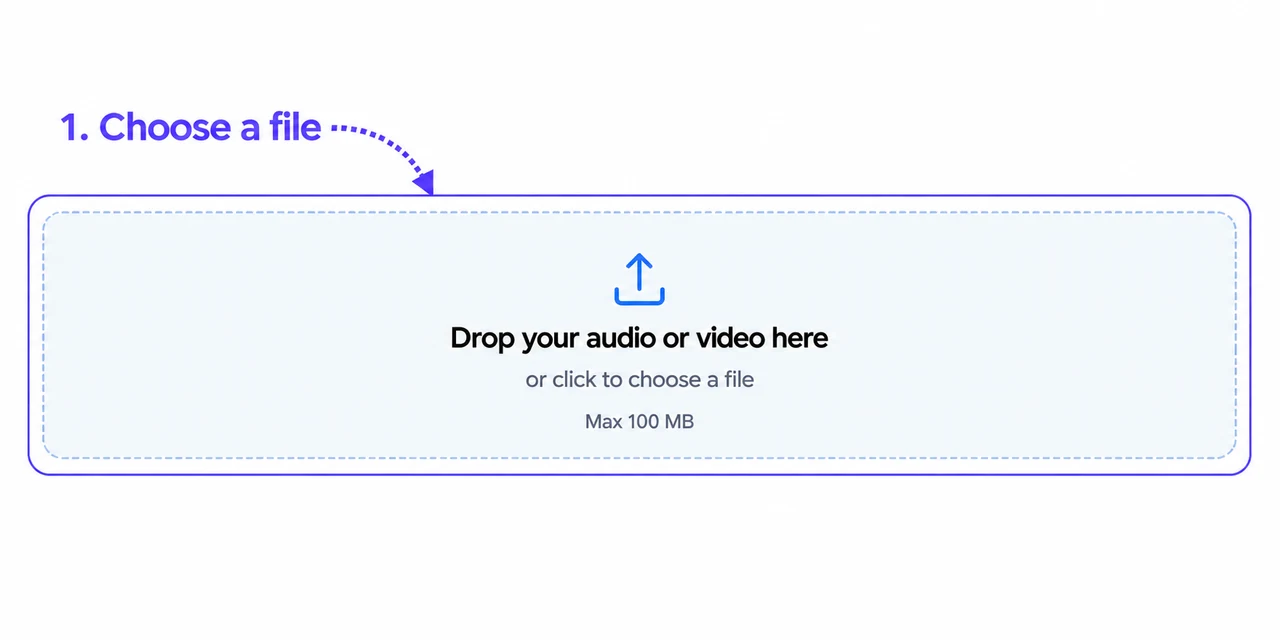
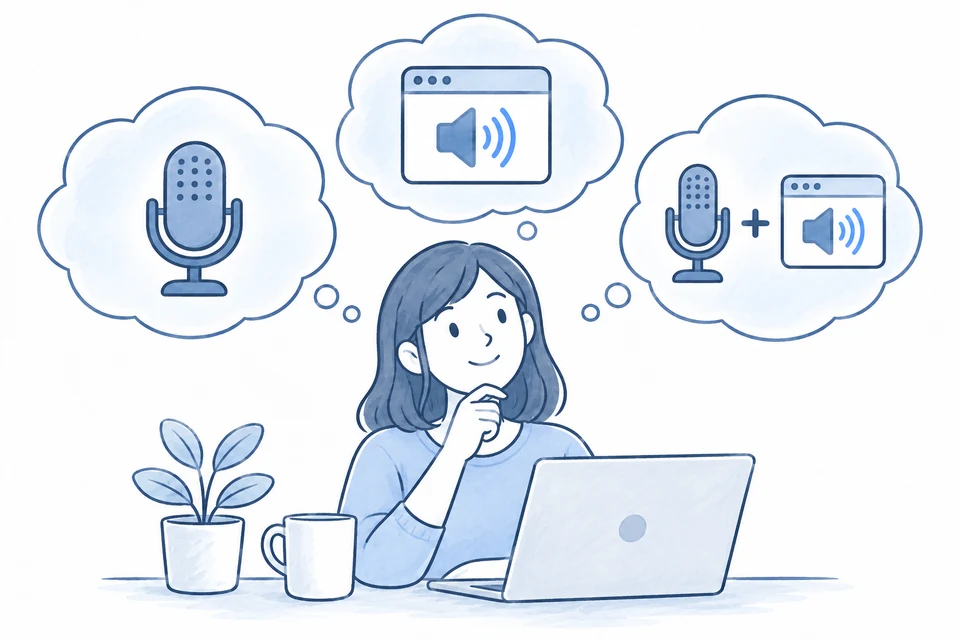
Drag and drop any audio or video file — MP3, WAV, M4A, OGG, MP4. Or click Record to capture your microphone or any browser tab in real time. Supports 90+ languages, detected automatically.

Navigate by Timestamps

Every transcript is split into segments with precise timestamps. Jump to any moment instantly — no more scrubbing through audio to find a quote.

AI-Powered Summary

After transcription, get an automatic summary of key points. No more reading through long transcripts — the important parts are extracted for you instantly.

History, Edit & Export

All your transcriptions are saved. Edit the text directly in the extension, then download as TXT or copy to clipboard. Your history is always one click away.

How it works

Get your first transcription in under 2 minutes

Screenshot → /screenshots/chrome-store.png Скрин страницы расширения в Chrome Web Store: кнопка "Add to Chrome", иконка, рейтинг
1.

Install the Extension

Add Audio to Text to Chrome with one click. The extension appears in your toolbar instantly.

GIF → /gifs/upload-step.gif Запись: открыть попап → нажать Upload → выбрать файл в диалоге → появляется прогресс-бар загрузки
2.

Upload or Record Audio

Drop an audio or video file, or click Record to capture your microphone or any browser tab in real time. MP3, WAV, M4A, OGG, MP4 and more.

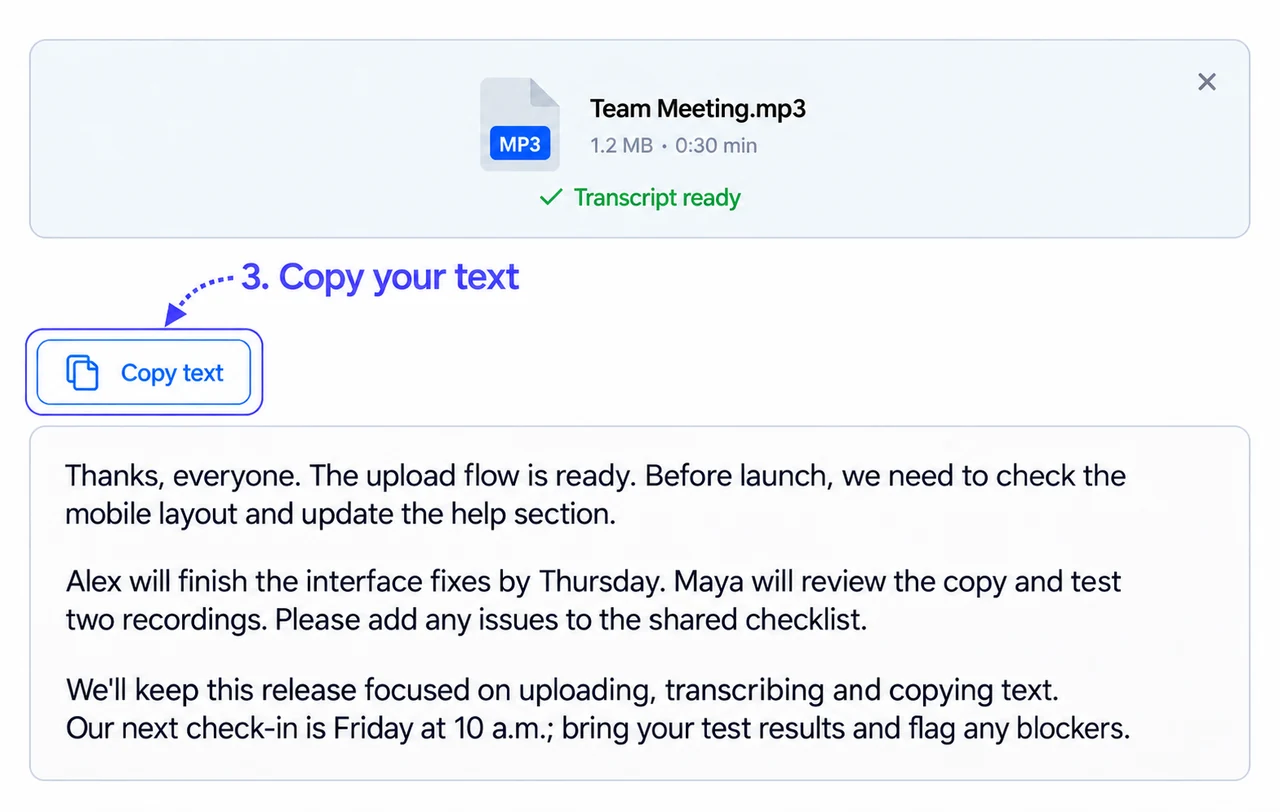
GIF → /gifs/transcript-result.gif Запись: прогресс завершается → текст транскрипции появляется → пользователь нажимает Copy или Download TXT
3.

Get Your Transcript

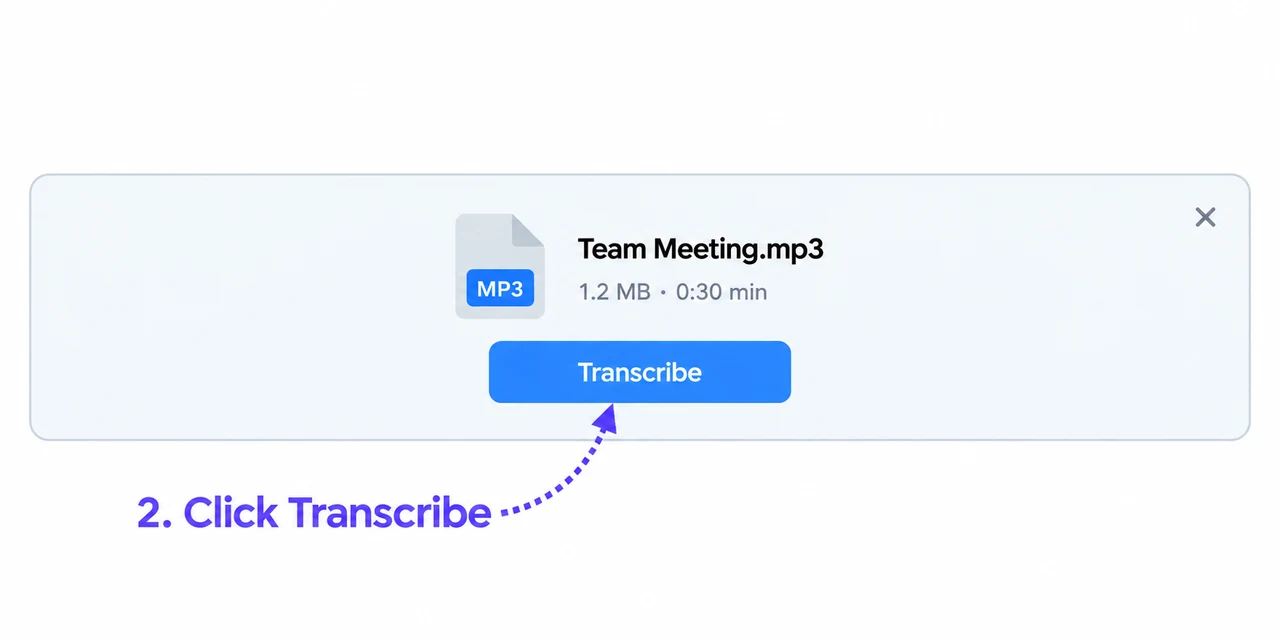
Accurate text appears in seconds. Edit inline, copy to clipboard, or download as TXT.

See it in action

From upload to transcript in under 30 seconds

Loading video...

What Our Users Say

★★★★★

"This extension is awesome. You can either record audio from your microphone, web tab, or both; or upload an audio file to convert it into a full transcript. Highly recommend for people who don't feel like watching lecture videos and would rather copy the transcript into ChatGPT and ask it to make a study guide out of it ;)"

Emma R.
Emma R.
Student
★★★★★

"Simples e fácil de utilizar. Recomendado!"

M
Mariana C.
Translator
★★★★★

"I loved this extension. The audio-to-text conversion is accurate. The browser tab recording feature is especially useful. I recommend it to everyone!"

Sergei S.
Sergei S.
Software Engineer
★★★★★

"Muito bom"

Camila B.
Camila B.
Journalist
★★★★★

"생각보다 괜찮네?? 외국 강의 들으면서 이해하기 좋을듯."

D
David K.
Student
★★★★★

"I transcribe research interviews with this extension. Accuracy for academic content is excellent."

P
Priya S.
Researcher
★★★★★

"Game changer for my YouTube workflow. I record commentary, transcribe it instantly, and use the TXT file for descriptions and subtitles. Simple and accurate."

Sofia D.
Sofia D.
Content Creator
★★★★★

"This extension is awesome. You can either record audio from your microphone, web tab, or both; or upload an audio file to convert it into a full transcript. Highly recommend for people who don't feel like watching lecture videos and would rather copy the transcript into ChatGPT and ask it to make a study guide out of it ;)"

E
Emma R.
Student
★★★★★

"Simples e fácil de utilizar. Recomendado!"

M
Mariana C.
Translator
★★★★★

"I loved this extension. The audio-to-text conversion is accurate. The browser tab recording feature is especially useful. I recommend it to everyone!"

Sergei S.
Sergei S.
Software Engineer
★★★★★

"Muito bom"

Camila B.
Camila B.
Journalist
★★★★★

"생각보다 괜찮네?? 외국 강의 들으면서 이해하기 좋을듯."

D
David K.
Student
★★★★★

"I transcribe research interviews with this extension. Accuracy for academic content is excellent."

P
Priya S.
Researcher
★★★★★

"Game changer for my YouTube workflow. I record commentary, transcribe it instantly, and use the TXT file for descriptions and subtitles. Simple and accurate."

Sofia D.
Sofia D.
Content Creator

Frequently Asked Questions

Everything you need to know about Audio To Text Transcription

Ready to transcribe your audio?

Join thousands of professionals and students using Audio to Text Transcription every day.

+ Add to Chrome

Works in Chrome